

Scheduling an Appointment
How to Book an Appointment
Booking your appointment is simple, and our team is ready to provide the attention, care, and expertise you deserve.
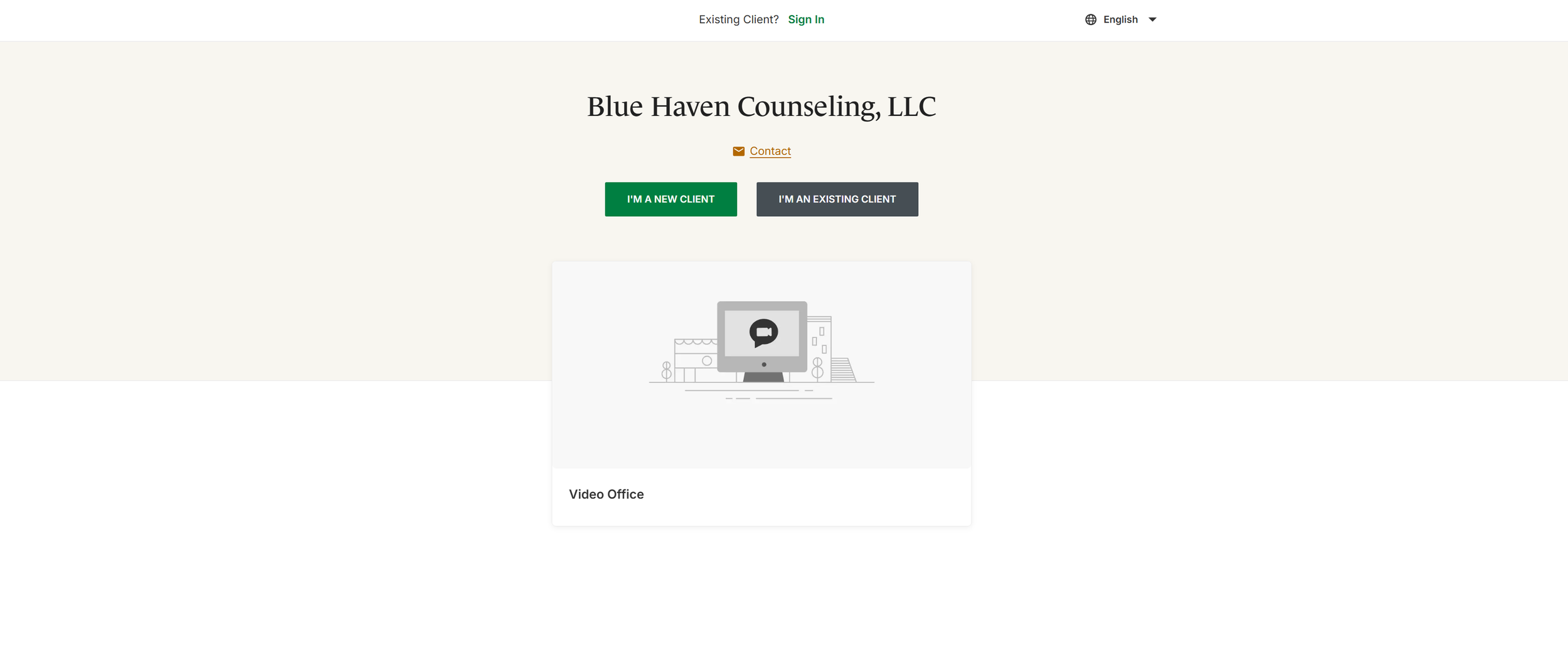
Step 1- New Clients
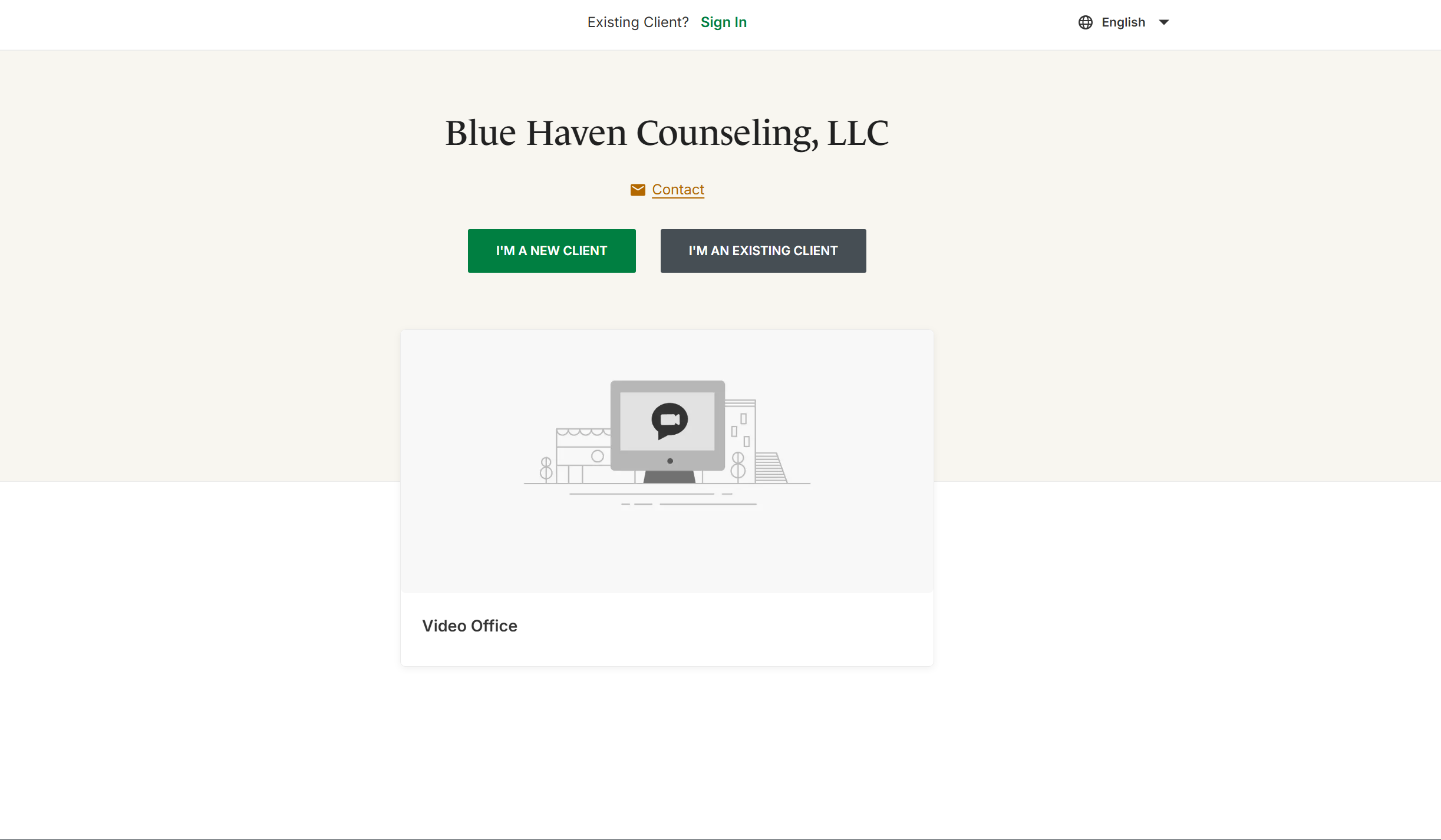
By clicking the “Book Now” button, you will be redirected to our client portal for both new and existing clients. To schedule your first appointment, please select the green button labeled “I’m a New Client.”
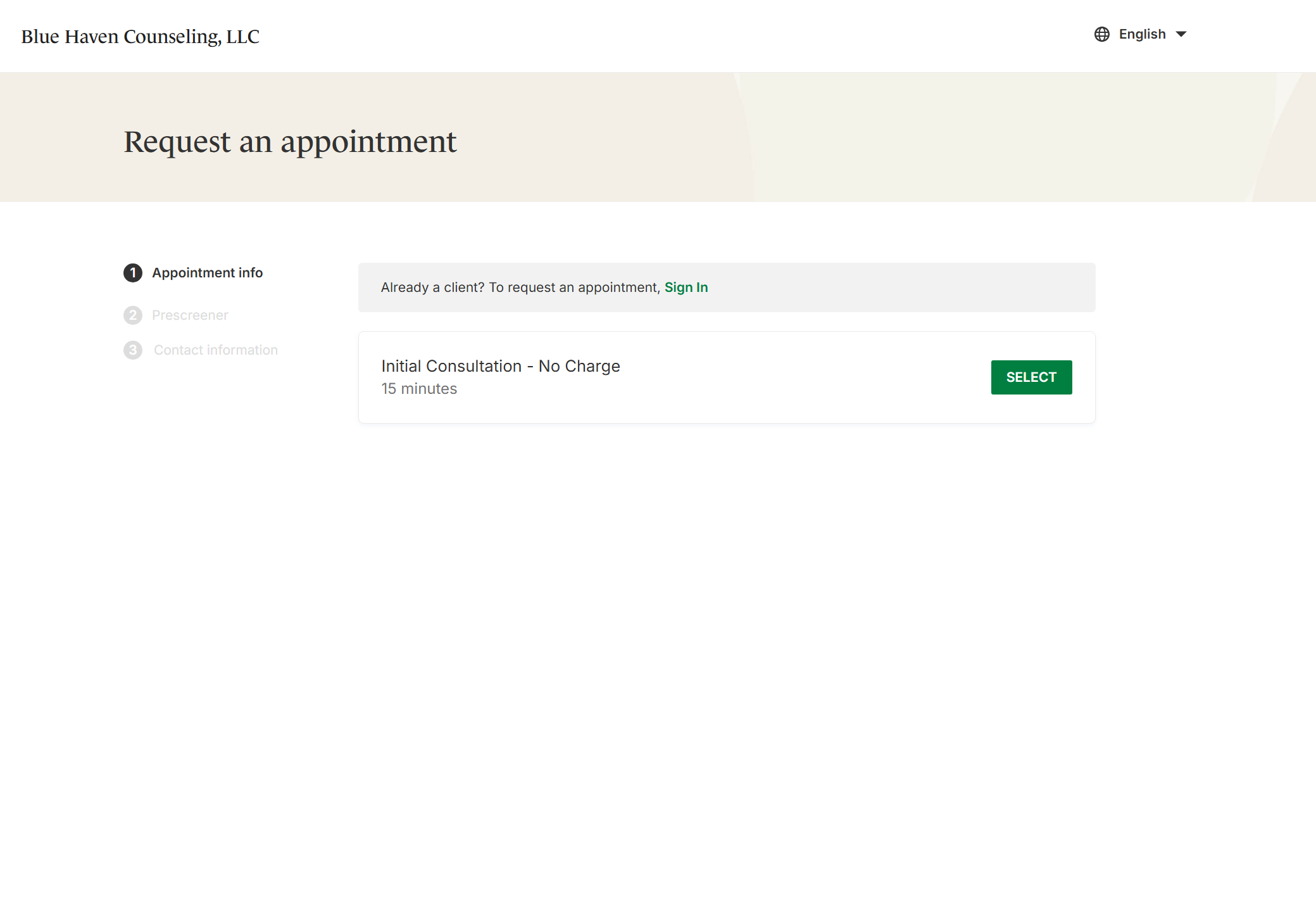
Step 2- Selecting Initial Consultation
For new clients, we offer a free 15-minute consultation to allow you to ask questions, get to know your therapist, and determine if our services are a good fit for your needs. If both you and the therapist decide to move forward, an intake session will be scheduled to begin services. Click the green “Select” button to continue to the next step.
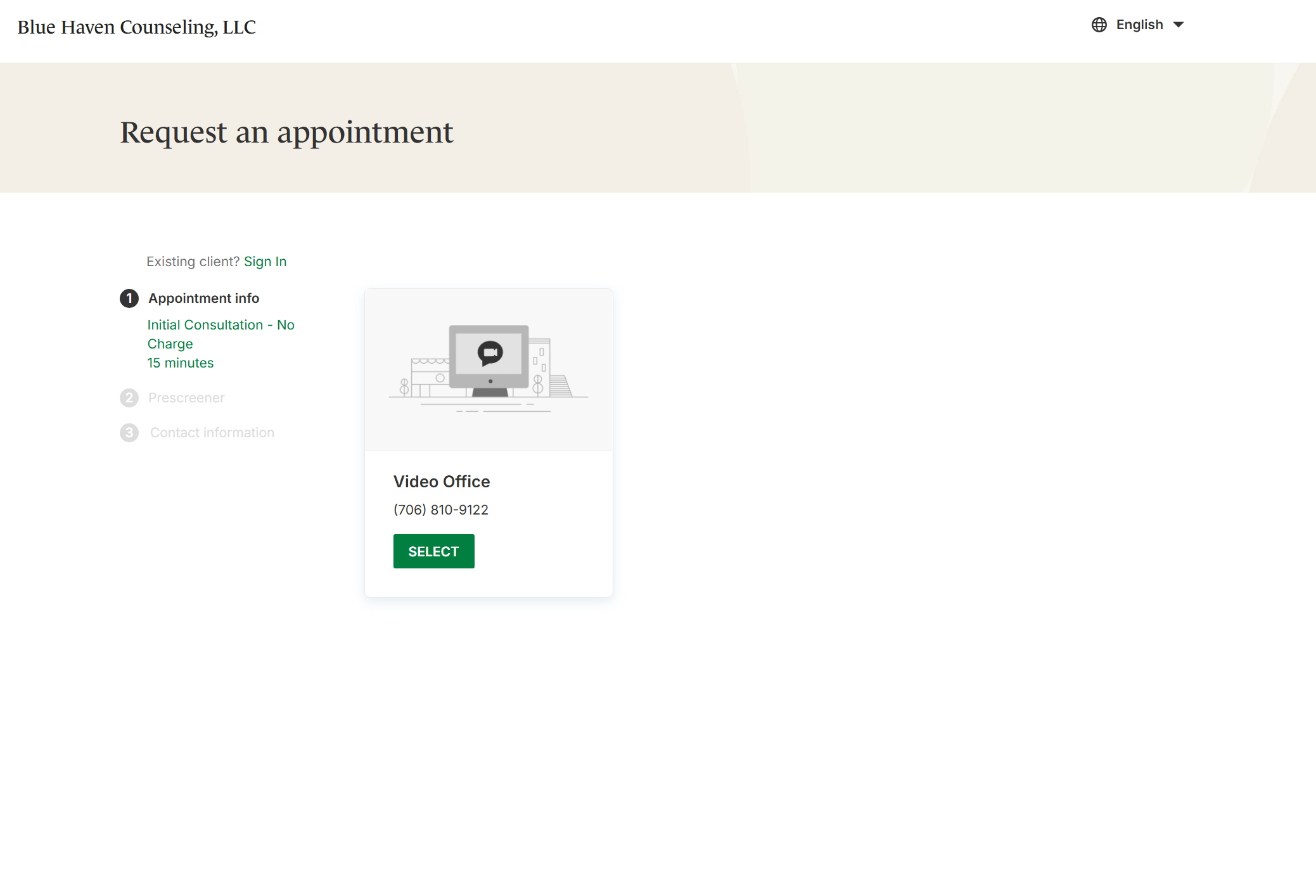
Step 3- Video Office
Currently, all services are offered through telehealth for your convenience. We hope to expand to in-person services in the future. To proceed, click the green “Select” button.
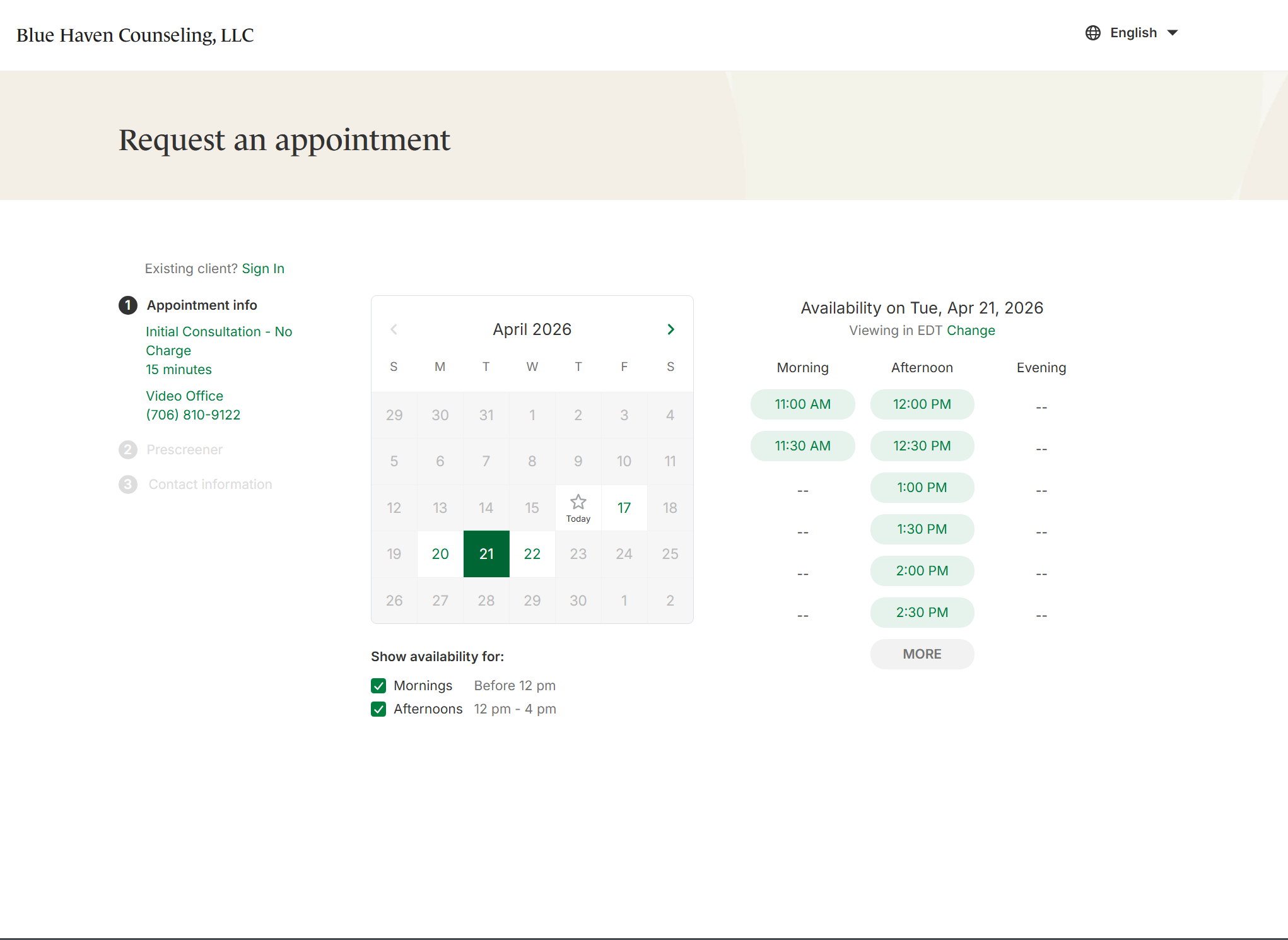
Step 4- Scheduling the Appointment
Appointments can be scheduled up to 24 hours in advance based on current availability. Please select a date and time that works best for you to proceed to the next step.
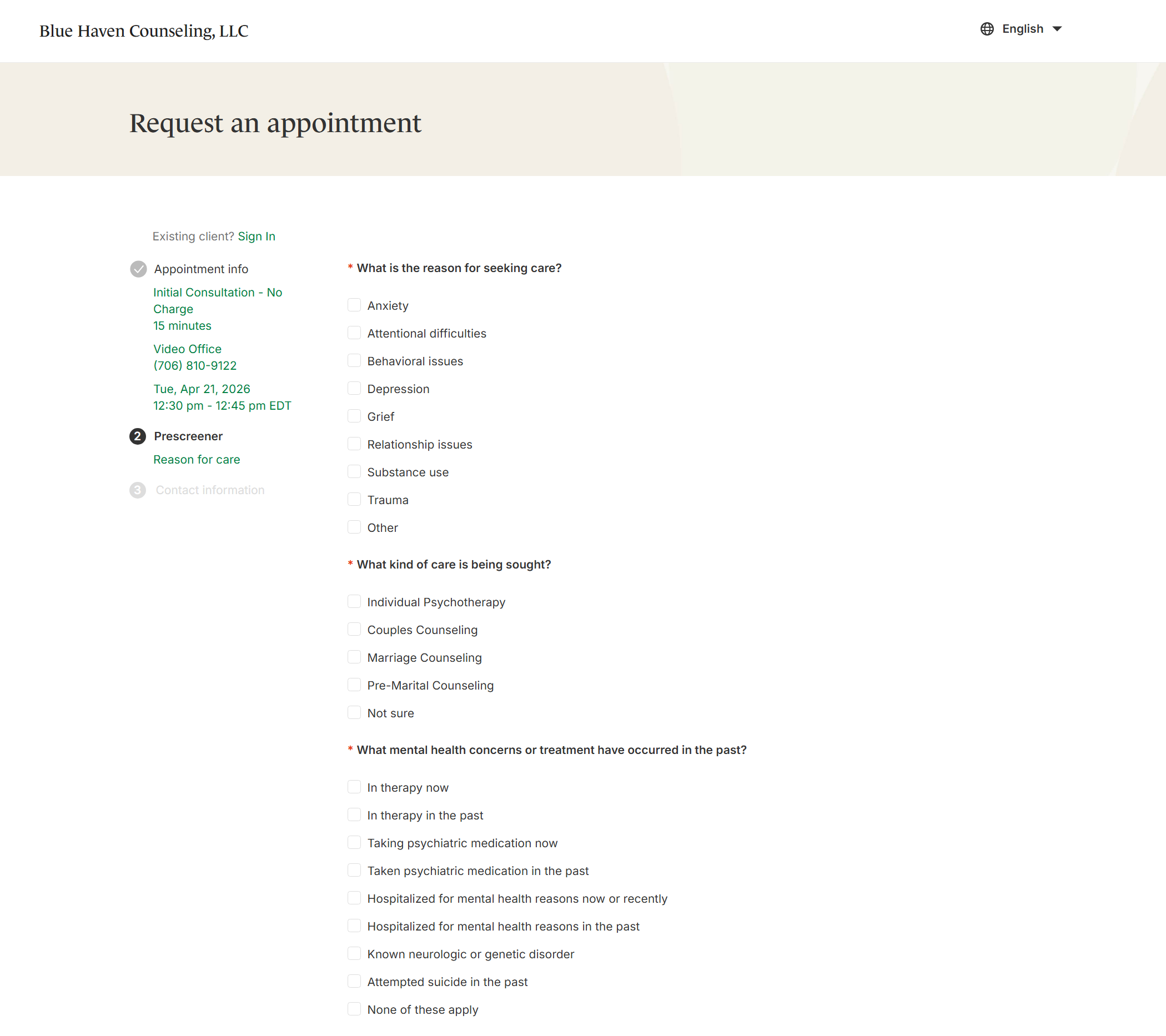
Step 5- Prescreener and Contact Information
The final steps to confirm your appointment include completing a brief prescreener and providing your contact information. The prescreener helps your therapist gain an initial understanding of your reasons for seeking services, while also collecting the necessary information for our electronic health records.
Inquiries and Contact Forms
Step 1- Contact Form
For general inquiries, follow the same initial step, but instead of selecting “I’m a New Client,” choose the orange “Contact” option indicated by the mail icon. You can access this page by clicking either the “Book Now!” or “Contact!” button on this site.
Step 2- Send Message
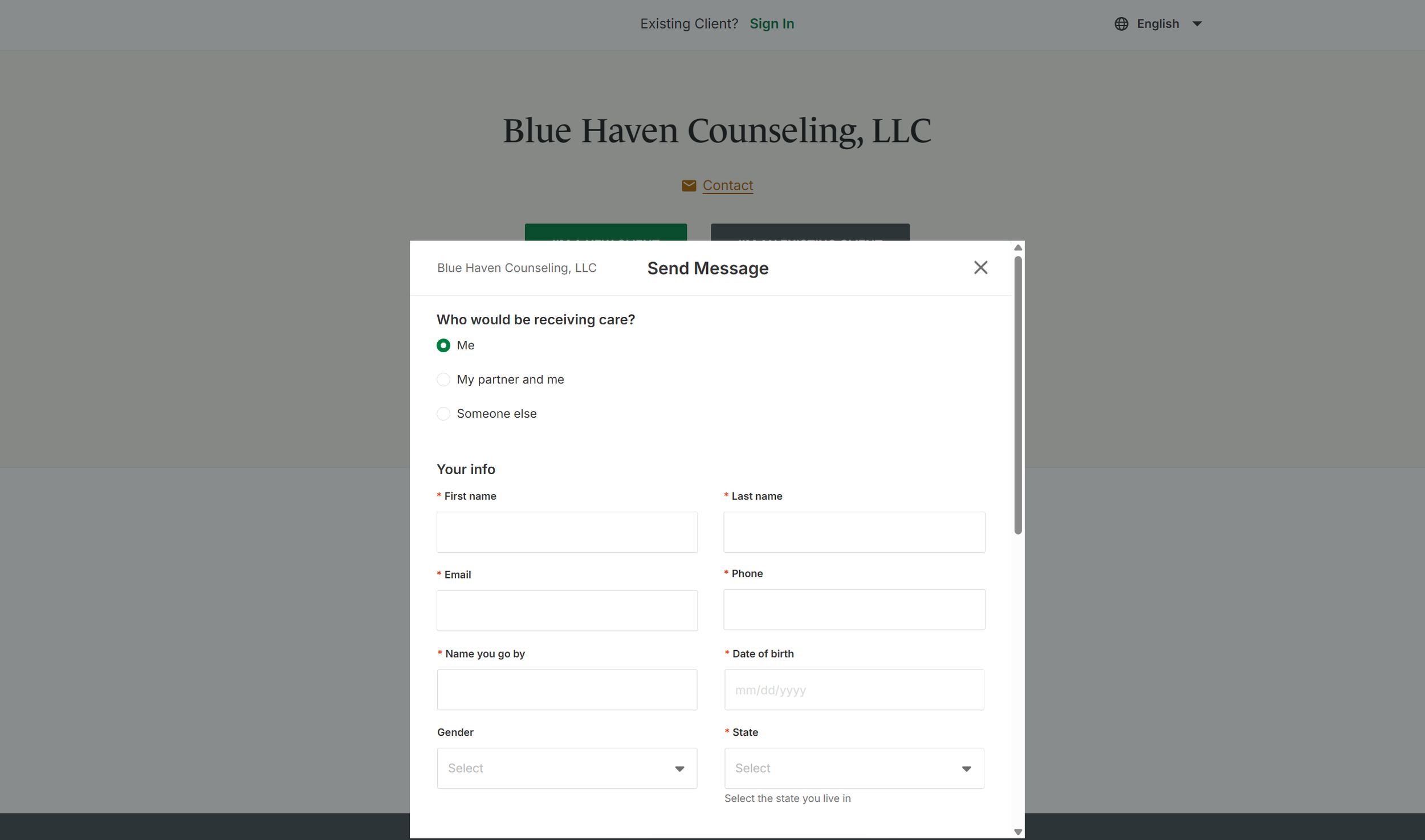
After clicking the “Contact” form, you will be prompted to complete a brief form including your contact information, who will be receiving services, and details about your inquiry. We aim to respond within 1–2 business days, though response times may be longer if therapists are out of the office.