

Inquiries and Contact Forms
Step 1- Contact Form
For general inquiries, follow the same initial step, but instead of selecting “I’m a New Client,” choose the orange “Contact” option indicated by the mail icon. You can access this page by clicking either the “Book Now!” or “Contact!” button on this site.
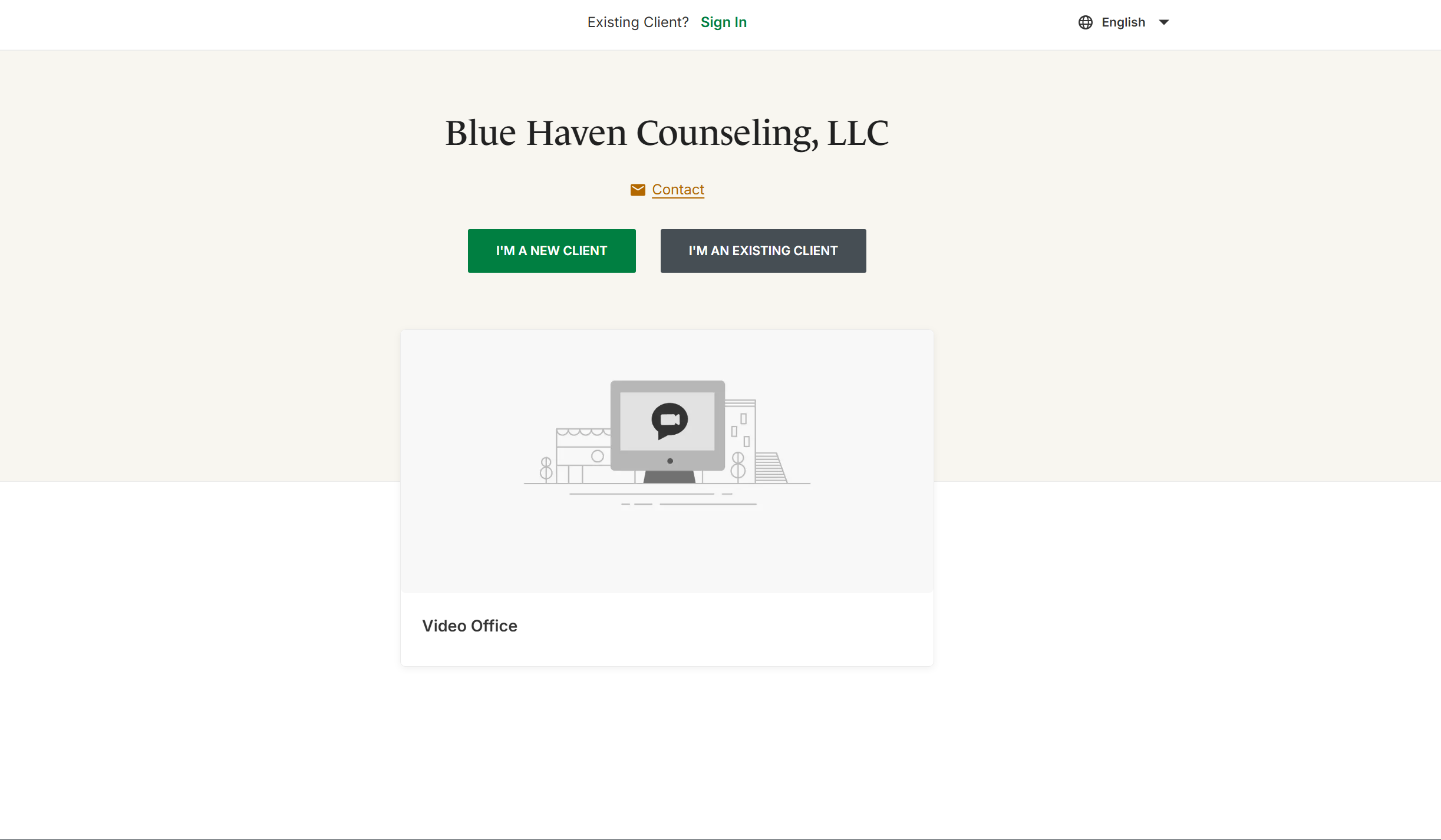
Step 2- Send Message
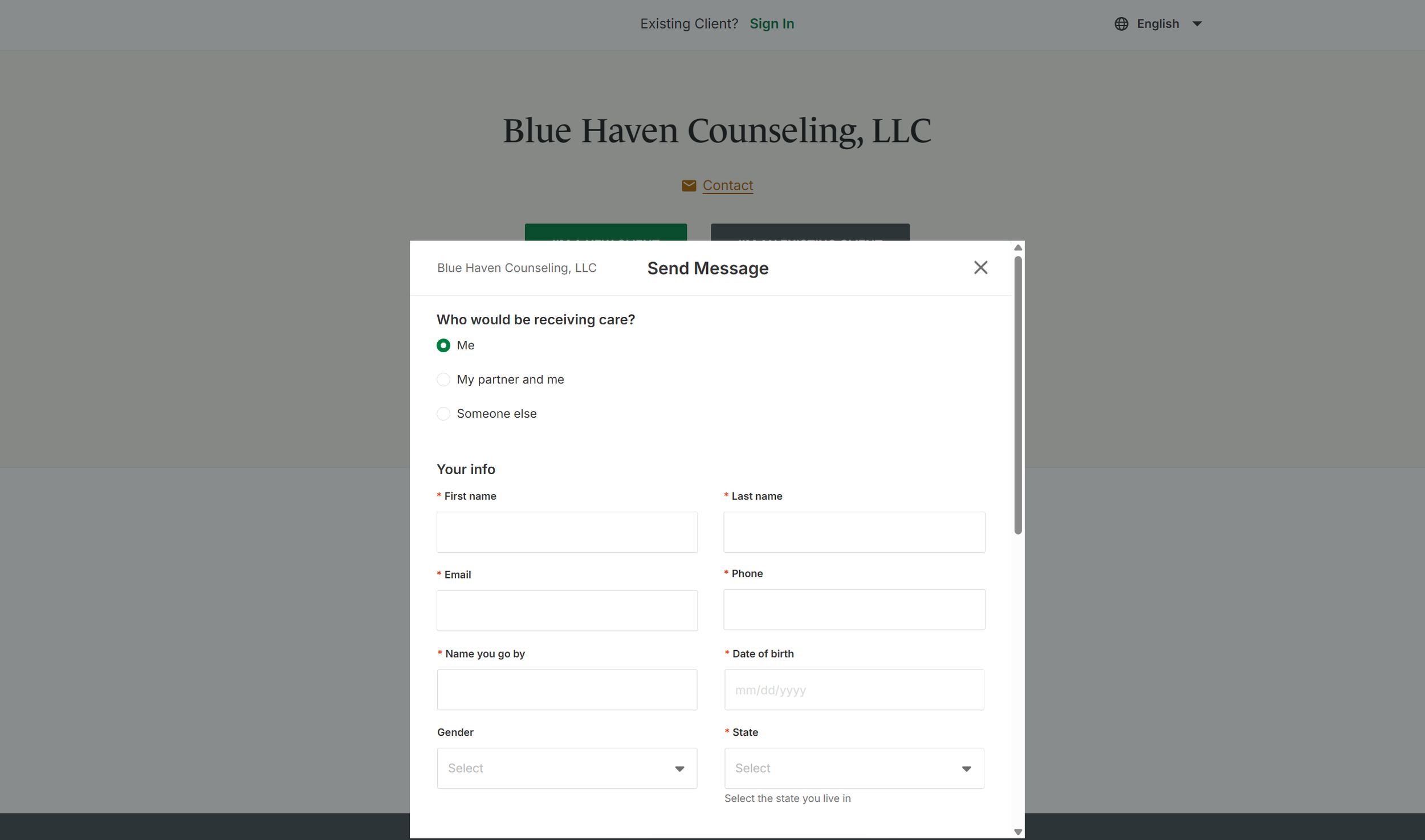
After clicking the “Contact” form, you will be prompted to complete a brief form including your contact information, who will be receiving services, and details about your inquiry. We aim to respond within 1–2 business days, though response times may be longer if therapists are out of the office.